Ruler
Contains ads
4.4star
113K reviews
10M+
Downloads

Everyone
info




About this app
Measure anything with your phone easily and accurately.
Ruler App turns your smartphone into a simple and reliable measurement tool. Use it at home, at work, or for school. Quickly measure objects, lines, and angles with ease.
Features:
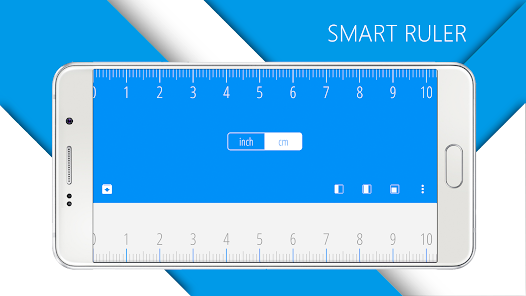
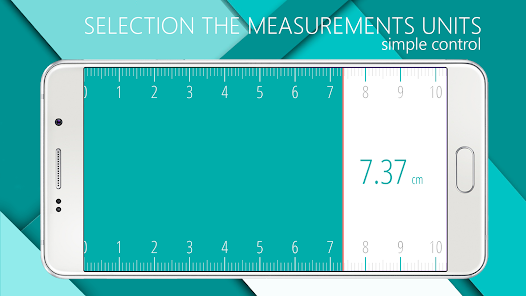
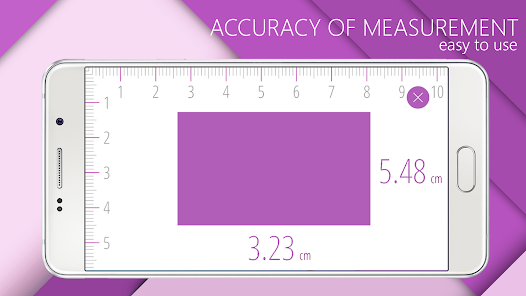
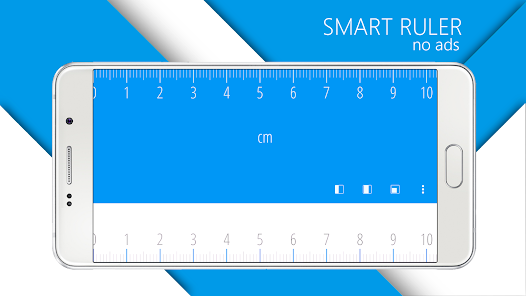
📏 Digital ruler and tape measure – measure length and size directly on your screen
📱 Screen ruler – convenient for quick measurements
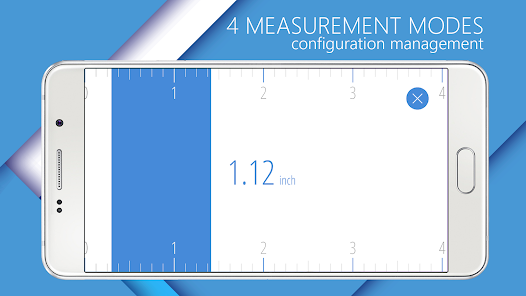
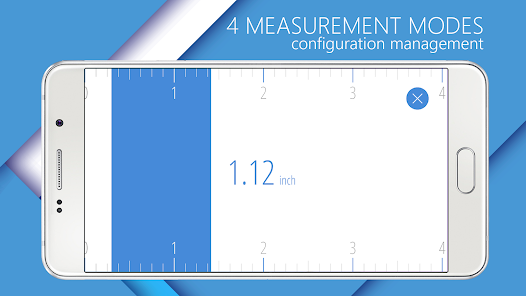
🔢 Unit converter – switch between inches, centimeters, and millimeters
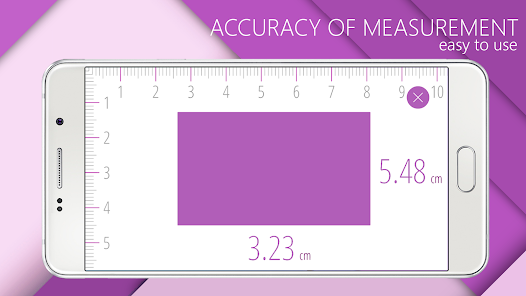
📐 Measure objects and lines – check distance, width, or diameter
⚙️ Caliper mode – precise measurements for small objects
📊 Protractor – measure angles up to 360°
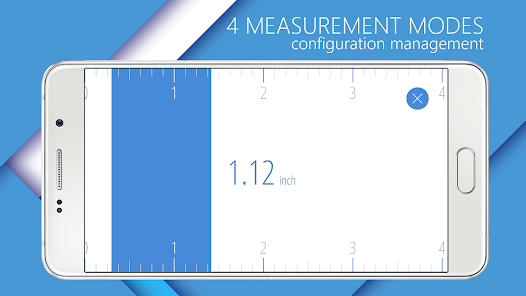
🛠 Multiple modes – point, line, level, and screen measurement
Benefits:
✅ Fast and accurate results
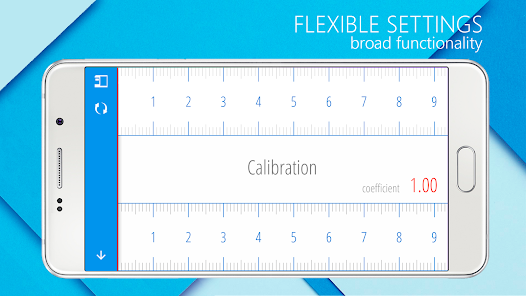
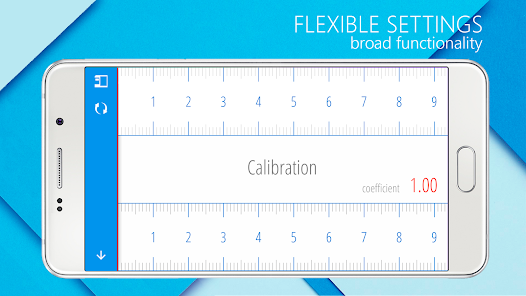
✅ Easy to calibrate and use
✅ Clear, simple interface
✅ Useful for DIY projects, school, office, and everyday tasks
This all-in-one measurement app helps you measure length, distance, and angles whenever you need. Keep a digital ruler and tape measure always in your pocket.
Ruler App turns your smartphone into a simple and reliable measurement tool. Use it at home, at work, or for school. Quickly measure objects, lines, and angles with ease.
Features:
📏 Digital ruler and tape measure – measure length and size directly on your screen
📱 Screen ruler – convenient for quick measurements
🔢 Unit converter – switch between inches, centimeters, and millimeters
📐 Measure objects and lines – check distance, width, or diameter
⚙️ Caliper mode – precise measurements for small objects
📊 Protractor – measure angles up to 360°
🛠 Multiple modes – point, line, level, and screen measurement
Benefits:
✅ Fast and accurate results
✅ Easy to calibrate and use
✅ Clear, simple interface
✅ Useful for DIY projects, school, office, and everyday tasks
This all-in-one measurement app helps you measure length, distance, and angles whenever you need. Keep a digital ruler and tape measure always in your pocket.
Updated on
Safety starts with understanding how developers collect and share your data. Data privacy and security practices may vary based on your use, region, and age. The developer provided this information and may update it over time.


Ratings and reviews
4.4
111K reviews

Jerry L
- Flag inappropriate
March 5, 2026
This one "just works." And there are some optional settings that can be helpful. like cm or inches. I'm not sure if it can measure an object with the camera. I'm going to pay for the pro version just to support the developer. All the other rulers & tape measure apps had extremely intrusive ads, and I could never get the actual app to function.
5 people found this review helpful

Sourabh Das
- Flag inappropriate
October 14, 2025
It takes over half an hour to manually go through and uncheck every data tracking company that wants to track your data through this app. They technically allow you to opt out, but if you have to do each one manually and there's so many that it takes you literally half an hour, then its unreasonable for anyone to spend that long on it and they're hoping you give up. They follow the letter of the law, but certainly not the spirit.
101 people found this review helpful
NixGame
October 31, 2025
Thanks for your feedback!
It’s a standard user consent, but we’re working to make the process simpler and more comfortable for users.

PiroChu
- Flag inappropriate
July 9, 2024
I like the simplicity without unnecessary bells/whistles, just what i was looking for. Nice to simultaneously show inches and centimeters. However, this app only shows in landscape mode and can't flip to portrait mode. Moreover, it also locks up the phone in landscape mode and I can't get back to portrait mode unless I close this app first, which is a pain. I found a similar simple ruler app that can automatically flip between portrait and landscape, so I'll go with that one instead.
64 people found this review helpful
What’s new
Bug fixed
App support
About the developer
EVGRAFOV ALEKSEI ALEKSANDROVICH, IP
kv. 3, 3 Griboedova ul.
Penza
Пензенская область
Russia
440014
+7 915 347-51-77


