
JW144 jwstudio
4.4star
60 reviews
1K+
Downloads

Everyone
info
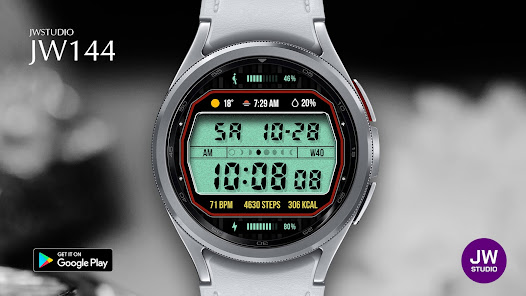





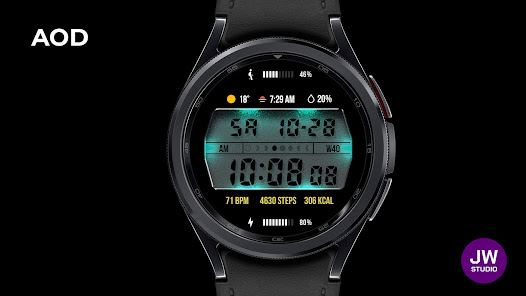


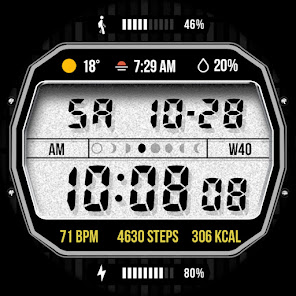

About this app
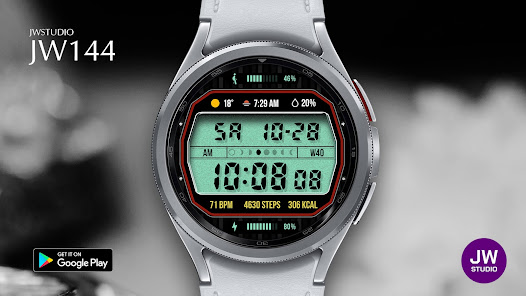
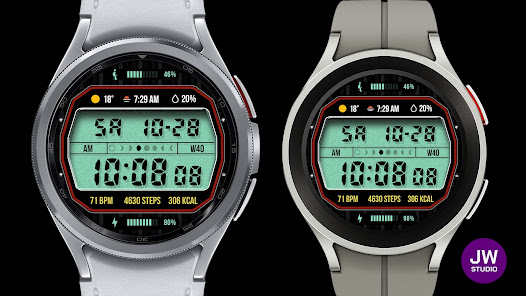
This watch face supports all Wear OS devices with API level 30 or higher, such as Samsung Galaxy Watch 4, 5, 6, 7, 8, Pixel Watch, etc.
+++++++++++++++++++++++++++++++++++++++++++++++
[How to install]
Before pressing the payment button, make sure your watch is selected.
Select your watch by pressing the small triangle next to the payment button.
Select the menu at the top right of the Play Store app (three dots) > Share > Chrome browser > Install on other devices > Clock and proceed.
After installation, select it from the download list, register it as a favorite, and use it. You can view the download list by clicking 'Add Watch Screen' on the far right of the favorites list that appears when you press the watch screen.
+++++++++++++++++++++++++++++++++++++++++++++++
[function]
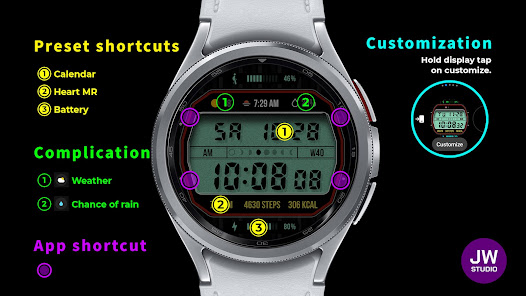
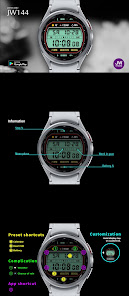
- 3 preset app shortcut
- 4 customizable shortcut keys
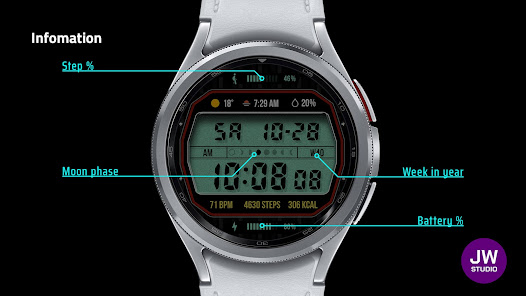
- 2 customizable fields/information display
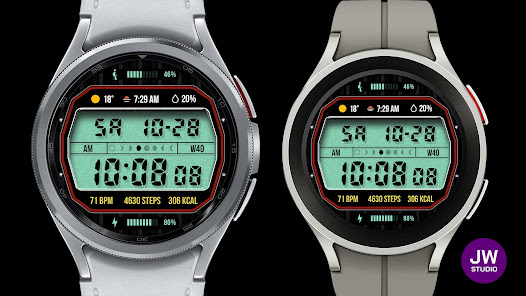
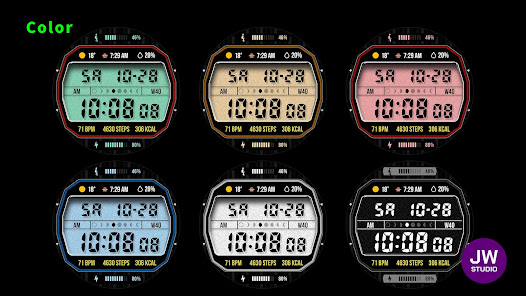
- Changeable background color, week info (En/Kr)
+++++++++++++++++++++++++++++++++++++++++++++++
[Custom]
1 - Touch and hold the display.
2 - Tap on Custom Options
For inquiries, please contact the email below.
[email protected]
+++++++++++++++++++++++++++++++++++++++++++++++
[How to install]
Before pressing the payment button, make sure your watch is selected.
Select your watch by pressing the small triangle next to the payment button.
Select the menu at the top right of the Play Store app (three dots) > Share > Chrome browser > Install on other devices > Clock and proceed.
After installation, select it from the download list, register it as a favorite, and use it. You can view the download list by clicking 'Add Watch Screen' on the far right of the favorites list that appears when you press the watch screen.
+++++++++++++++++++++++++++++++++++++++++++++++
[function]
- 3 preset app shortcut
- 4 customizable shortcut keys
- 2 customizable fields/information display
- Changeable background color, week info (En/Kr)
+++++++++++++++++++++++++++++++++++++++++++++++
[Custom]
1 - Touch and hold the display.
2 - Tap on Custom Options
For inquiries, please contact the email below.
[email protected]
Updated on
Safety starts with understanding how developers collect and share your data. Data privacy and security practices may vary based on your use, region, and age. The developer provided this information and may update it over time.

No data shared with third parties
Learn more about how developers declare sharing

No data collected
Learn more about how developers declare collection
Ratings and reviews
5.0
25 reviews

Chris Hiddins
- Flag inappropriate
December 28, 2023
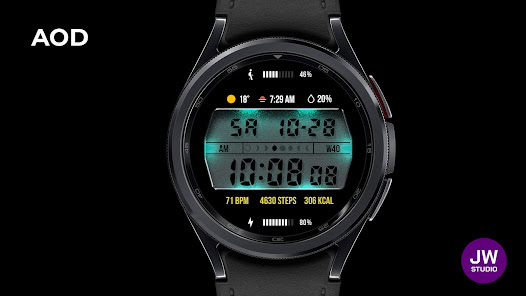
Great watch face! Love what you've done with the AOD, super cool. - Would love the ability to change the "backlight" colour independent of the trim colour so I can make some custom looks. - Would also like the be able to edit the complication in the top-middle too. One minor thing too, the top 3 complications don't seem to be evenly spaced or centered and it's throwing me off :D
JWstudio
December 29, 2023
Thank you for using our designs. A drawback of WearOS is that the design may look strange depending on user settings, so the top center is fixed to the sunrise information. Thank you for your good comments. have a good day.

Jaime Takuma
- Flag inappropriate
- Show review history
March 18, 2024
Beautiful! there's a problem when placing the heartrate monitor on complication 1, it just shows the heart icon and the name cut down, it doesn't show the actual heartrate. Would you please fix this?
JWstudio
March 18, 2024
We apologize for any inconvenience caused. There is an issue with user settings not being displayed properly due to WearOS limitations. For heart rate information, please check the yellow BPM information. Thank you for your good comments. have a good day.

Sharat Khanna
- Flag inappropriate
January 11, 2024
Nice. Looks very realistic. You should include an alarm (bell) icon to indicate active alarm, along with alarm shortcut option. Thanks!
JWstudio
January 11, 2024
Good reviews make us happy. We will strive to create even more awesome watch faces. have a good day. The customization of WearOS sometimes doesn't look as expected. It looks weird when you set up information other than the features you see on the introduction screen.
What’s new
v1.5 update
- Support Android Target SDK 33 (Wear OS 5)
- Support Companion app Target API level 35
- Support Android Target SDK 33 (Wear OS 5)
- Support Companion app Target API level 35
App support
About the developer


