
Screenshot X - Screen Capture
Contains adsIn-app purchases

4.3star
77K reviews
5M+
Downloads

Everyone
info





About this app
Capture screenshots with one click!
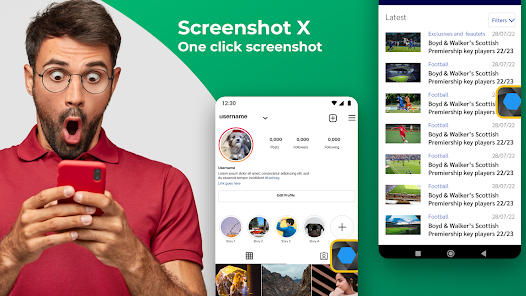
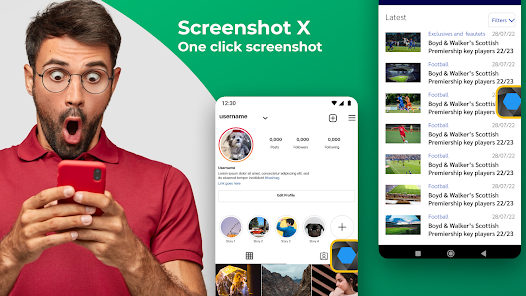
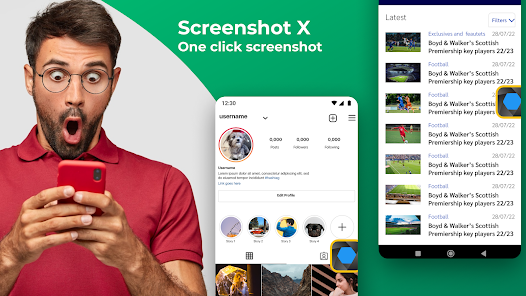
Screenshot X - Screen Capture Tool - the fastest and easiest way to take and share screenshots!
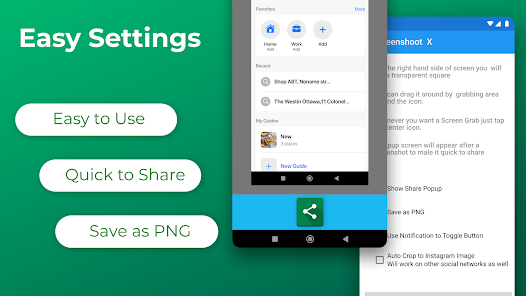
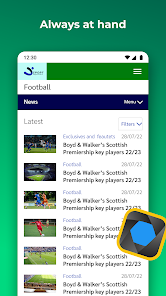
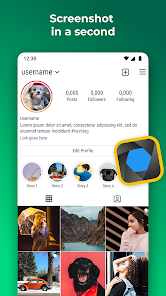
Download Screenshot X, a FREE screen tool to instantly capture screens and share screenshots. Just open the app (snipping tool), and an icon will appear on your phone's screen. Tap on the icon anytime you want to grab a screenshot. Then you can immediately share or save the screenshot through other apps: messaging apps, emails, clouds, photo editing, or other phone tools!
Screen Capture for all device types ✅
Tired of trying to capture screenshots with one hand or even two? With bigger phones, capturing the screen by pressing two buttons simultaneously is hard, and so are other gestures that mess up the screen. What if we tell you that we can help you to capture it in less than a second with only one tap of your finger with our handy screenshot capture tool? It's a flexible screen capture app that lets you share screen shots with anyone using phone tools already installed on your phone. Simple. Easy. Useful. And FREE!
BENEFITS OF USING SCREENSHOT X - SCREEN CAPTURE TOOL:
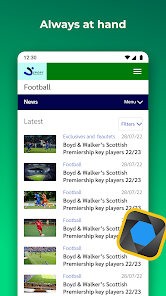
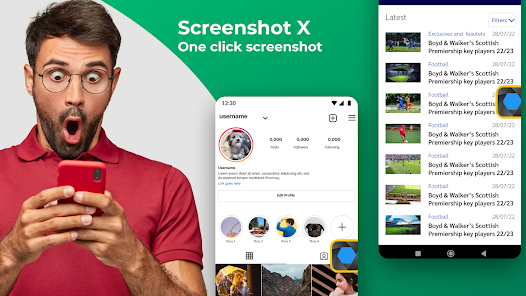
✅ ONE TAP screen capture. Just tap on the icon, and our app will instantly capture a screenshot.
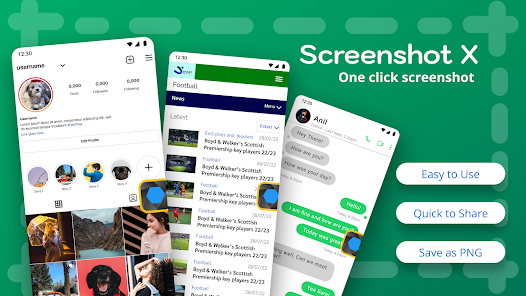
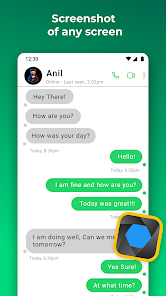
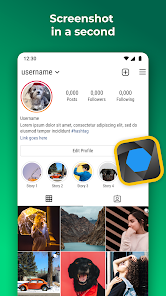
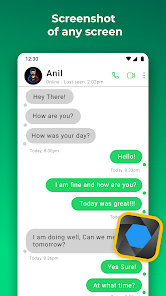
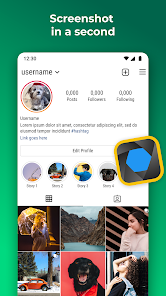
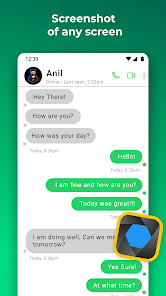
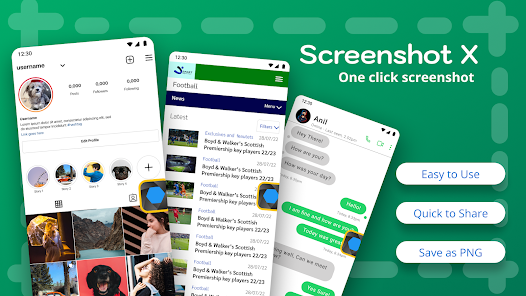
✅ Seeing something nice or funny on Instagram or chat sessions? Capture Screen with Screen Grabber feature!
✅ No one will know you've taken the screenshot. One tap on your phone screen, and you're done.
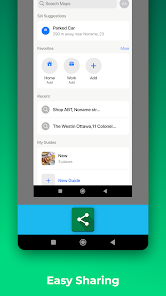
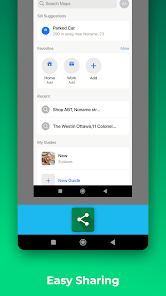
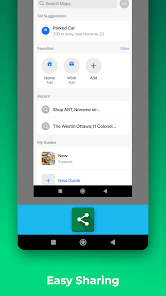
✅ Share the screen record through other apps: Emails, Facebook, Photo Editing apps, Cloud Service, or any phone tools you have.
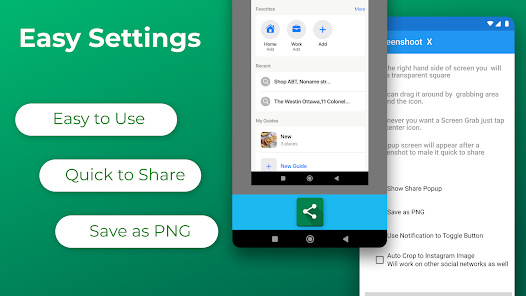
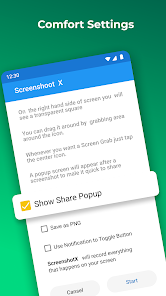
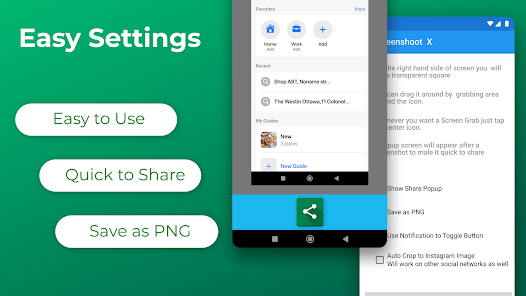
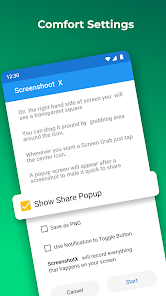
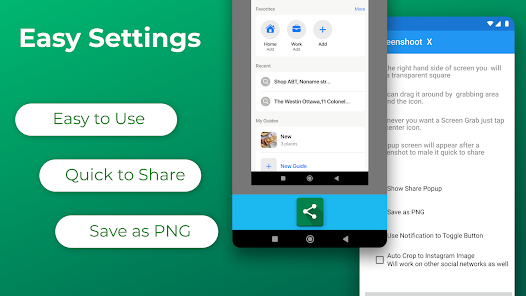
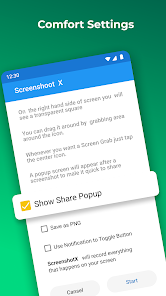
✅ Move around the" capture screen" icon to anywhere on the screen for more comfortable viewing.
✅ Screenshot X - Capture Screen Tool saves each screenshot in a new picture file called Screen Grabs.
Want to see your contacts list from months ago? Easy, if you grab a screenshot of those important clients' phone numbers. The snapshot of your screen is saved in the file labeled Screen Grabs. Want to send a map or directions to your technically-impaired friends? It doesn't get any easier than clicking (screen capturing) and sending the screenshot or screen record.
Discover a powerful tool!
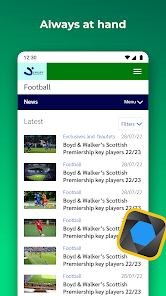
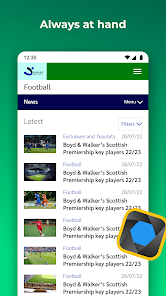
Pictures, app icons, maps, tools, contacts, addresses – no matter what's showing up on your screen, you can capture it with Screenshot X and save screenshots in one place, so you don't have to fumble for what you need now.
Screenshot X - Screen Capture Tool - the fastest and easiest way to take and share screenshots!
Powerful Screenshot Tool - Capture Screenshots in 1 click!
Download Screenshot X, a FREE screen tool to instantly capture screens and share screenshots. Just open the app (snipping tool), and an icon will appear on your phone's screen. Tap on the icon anytime you want to grab a screenshot. Then you can immediately share or save the screenshot through other apps: messaging apps, emails, clouds, photo editing, or other phone tools!
Screen Capture for all device types ✅
Tired of trying to capture screenshots with one hand or even two? With bigger phones, capturing the screen by pressing two buttons simultaneously is hard, and so are other gestures that mess up the screen. What if we tell you that we can help you to capture it in less than a second with only one tap of your finger with our handy screenshot capture tool? It's a flexible screen capture app that lets you share screen shots with anyone using phone tools already installed on your phone. Simple. Easy. Useful. And FREE!
BENEFITS OF USING SCREENSHOT X - SCREEN CAPTURE TOOL:
✅ ONE TAP screen capture. Just tap on the icon, and our app will instantly capture a screenshot.
✅ Seeing something nice or funny on Instagram or chat sessions? Capture Screen with Screen Grabber feature!
✅ No one will know you've taken the screenshot. One tap on your phone screen, and you're done.
✅ Share the screen record through other apps: Emails, Facebook, Photo Editing apps, Cloud Service, or any phone tools you have.
✅ Move around the" capture screen" icon to anywhere on the screen for more comfortable viewing.
✅ Screenshot X - Capture Screen Tool saves each screenshot in a new picture file called Screen Grabs.
Want to see your contacts list from months ago? Easy, if you grab a screenshot of those important clients' phone numbers. The snapshot of your screen is saved in the file labeled Screen Grabs. Want to send a map or directions to your technically-impaired friends? It doesn't get any easier than clicking (screen capturing) and sending the screenshot or screen record.
Discover a powerful tool!
Pictures, app icons, maps, tools, contacts, addresses – no matter what's showing up on your screen, you can capture it with Screenshot X and save screenshots in one place, so you don't have to fumble for what you need now.
Enhances your Android experience in every way with Screenshot X - Screen Capture Tool!
Updated on
Events & offers

Safety starts with understanding how developers collect and share your data. Data privacy and security practices may vary based on your use, region, and age. The developer provided this information and may update it over time.


Ratings and reviews
4.3
73.1K reviews

Robert R
- Flag inappropriate
February 21, 2026
I found no overlay button, nor a way to add one. I found no way to start it from the drop-down menu/notification bar. I even set it to open upon boot. It's just a big NothingBurger to me. It might work on other devices but it doesn't work on mine. Motorola G pure with Android 12. It's possible that it could be user error, but I combed through the settings for every detail.
7 people found this review helpful
TarrySoft
February 21, 2026
Hello, thank you for your review. We are sorry to hear that you might be experiencing issues. We will be happy to assist you further if you clarify your review. Please, reach out to our Support Team by email so that we can advise you properly. Thank you!

John Smolley
- Flag inappropriate
- Show review history
March 11, 2026
works well, but 14.99 a week is an effing joke. usual scam, free trial, make it difficult to unsubscribe, never remind you are are paying as much for a decent grocery cart per month. hoping if I uninstall it I won't be billed as there is no mention I can find nary a mention of how to unsubscribe. Postscript: even though I unsubscribed (via Google Play) before the 3 day trial had expired, I'm still being charged 14.99 for something I used for 1 day. if that's not a scam, not sure what is.
1 person found this review helpful
TarrySoft
March 12, 2026
Hello! Please, rest assured that there is absolutely no scam involved. Sorry to hear that the price for the Premium subscription seems high to you. Please, note that the App on the Premium version opens up many exciting features and opportunities for you and it is definitely worth the price. We hope you enjoy the App! Thank you!

Generic Dude
- Flag inappropriate
November 9, 2022
The older version was great but now every time you use it, ads glore. I don't know why they simply can't do banner ads because constantly facing video ads, it tends to have people use others apps. Plus new phone comes with, so with this comes the end of usage. No more ads. Plus, it gets glitchy after a few shots. We go into 5 - 6, some times app won't work. You have to open and then it still won't work. Yeah, happy with the built-in is all I'll say.
293 people found this review helpful
TarrySoft
November 10, 2022
Hello, thank you for your review. We are sorry to hear that you might be experiencing issues. We will be happy to assist you further if you clarify your review. Here is our email address, please, reach out to our Support Team so that we can advise you properly: [email protected].
What’s new
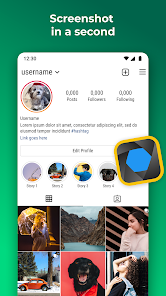
Added option to capture just the Instagram/Facebook photo. No cropping required.
App support
About the developer


