
Zoho Notebook -Notes & Planner
In-app purchases
4,2star
63,4K reviews
5M+
Downloads
Editors' choice

Everyone
info


About this app
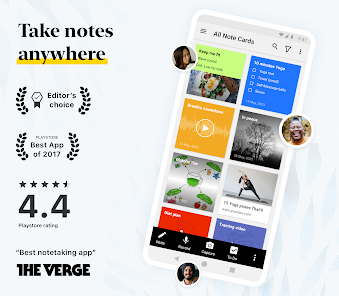
Zoho Notebook is a note‑taking app and digital notepad for capturing ideas, to‑do lists, tasks, meeting notes, journal entries and more. Organize everything with notebooks, tags and AI‑powered tools. Sync across mobile, desktop and web while staying private and ad‑free.
SMART NOTE‑TAKING
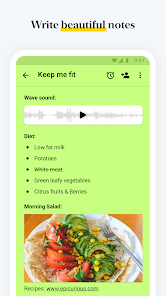
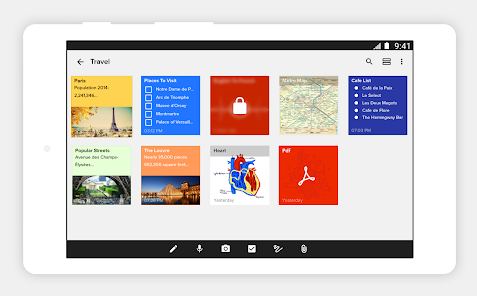
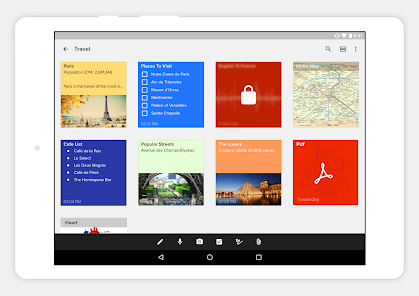
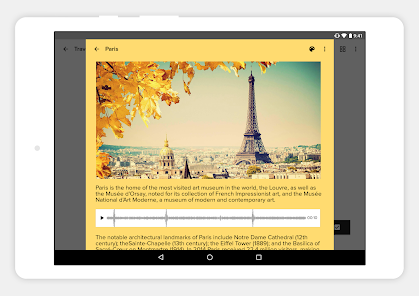
• Create rich text notes with checklists, tables, images and audio in one place.
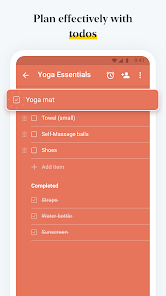
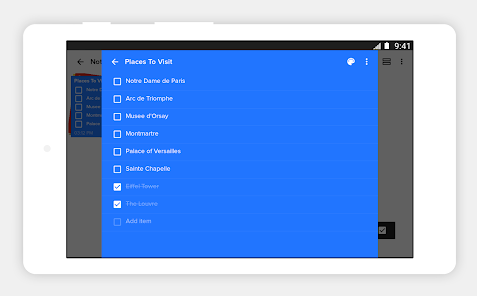
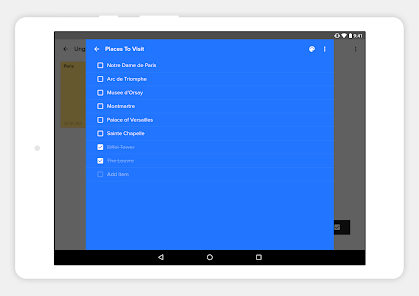
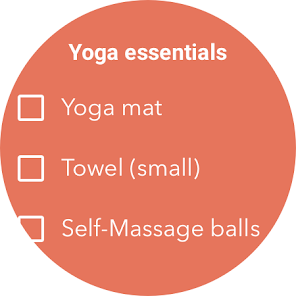
• Build dedicated checklists and task lists to manage your day.
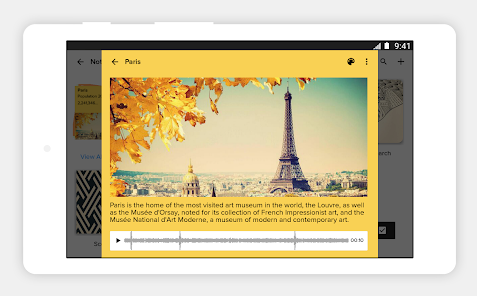
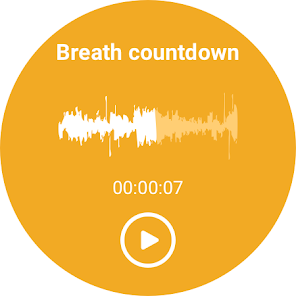
• Record voice notes or transcribe speech to text automatically.
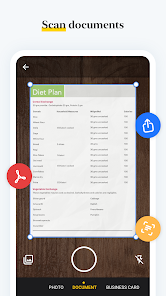
• Scan documents, textbooks or handwritten notes into searchable PDFs.
• Save photos, web clips and documents using cards. Add reminders to stay on top of tasks.
NOTEBOOK AI – AI-powered note-taking assistant
• Generate summaries, outlines, or to-do lists from rough ideas using AI.
• Get accurate, real-time transcripts of meetings, lectures, or podcasts.
• Turn your notes into clear mind maps to visualize ideas.
• Polish your writing with grammar and tone suggestions.
• Translate notes into multiple languages and automatically refine hand-drawn shapes.
ORGANIZE & SECURE
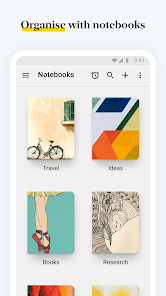
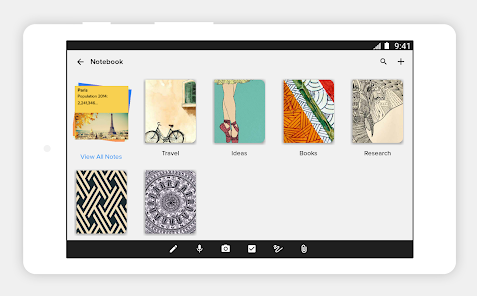
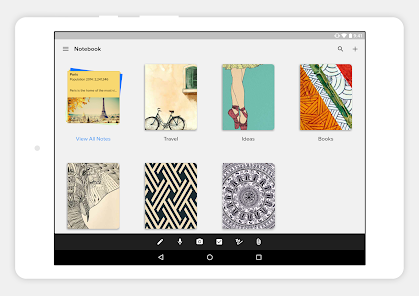
• Group notes with nested notebooks and custom sorting options.
• Tag notes to connect ideas across notebooks and projects.
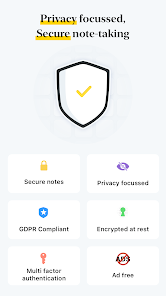
• Protect private information with a passcode, fingerprint or face lock.
• Find what you need quickly with full‑text search across all your notes.
CROSS‑DEVICE & SYNC
• Write anywhere and access your notes on Android, iOS, macOS and Web (
https://notebook.zoho.com/).
• Use the Web Clipper to save articles and research from your browser.
• Edit notes offline and sync when you're online.
PERSONALIZATION
• Choose covers, themes and note colours to suit your style.
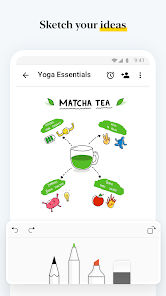
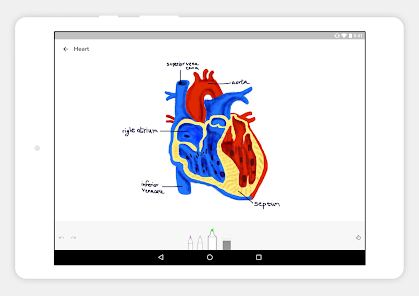
• Sketch formulas or diagrams with the Sketch Card.
• Upload videos and add chapter markers.
• Pin sticky notes with picture‑in‑picture and view in grid or landscape mode.
SHARE & COLLABORATE
• Share notes securely: invite friends or colleagues to view or work on specific notes or lists, set access levels, or share as a public card.
• Publish notes with a shareable link that anyone can view, then copy and share the link anywhere or set an expiration date to control access.
• Export notes as PDF files and share them via email, messages, or other supported apps. Save notes in Zoho Notebook Markup Language (ZNML) format to import later.
BUILT FOR ANDROID
• Access notes from home‑screen widgets or pinned shortcuts.
• Use Quick Settings to open a new note instantly.
• Enjoy multi‑window, picture‑in‑picture, keyboard shortcuts and printing support.
EVERYDAY LIFE
• Plan your day with task lists and reminders.
• Organize grocery lists, travel plans or event agendas.
• Keep a secure diary or journal. Track goals, projects and habits.
• Stay productive at work, school or home.
Zoho Notebook gives you the freedom to capture ideas your way. It’s free, private, ad‑free and synced across devices. Whether you're a student, professional or creative thinker, Notebook helps you stay organized, remember more and work smarter.
Whether it's for class, work, or personal — it's the only note taking, diary, and checklist app you’ll ever need.
SMART NOTE‑TAKING
• Create rich text notes with checklists, tables, images and audio in one place.
• Build dedicated checklists and task lists to manage your day.
• Record voice notes or transcribe speech to text automatically.
• Scan documents, textbooks or handwritten notes into searchable PDFs.
• Save photos, web clips and documents using cards. Add reminders to stay on top of tasks.
NOTEBOOK AI – AI-powered note-taking assistant
• Generate summaries, outlines, or to-do lists from rough ideas using AI.
• Get accurate, real-time transcripts of meetings, lectures, or podcasts.
• Turn your notes into clear mind maps to visualize ideas.
• Polish your writing with grammar and tone suggestions.
• Translate notes into multiple languages and automatically refine hand-drawn shapes.
ORGANIZE & SECURE
• Group notes with nested notebooks and custom sorting options.
• Tag notes to connect ideas across notebooks and projects.
• Protect private information with a passcode, fingerprint or face lock.
• Find what you need quickly with full‑text search across all your notes.
CROSS‑DEVICE & SYNC
• Write anywhere and access your notes on Android, iOS, macOS and Web (
https://notebook.zoho.com/).
• Use the Web Clipper to save articles and research from your browser.
• Edit notes offline and sync when you're online.
PERSONALIZATION
• Choose covers, themes and note colours to suit your style.
• Sketch formulas or diagrams with the Sketch Card.
• Upload videos and add chapter markers.
• Pin sticky notes with picture‑in‑picture and view in grid or landscape mode.
SHARE & COLLABORATE
• Share notes securely: invite friends or colleagues to view or work on specific notes or lists, set access levels, or share as a public card.
• Publish notes with a shareable link that anyone can view, then copy and share the link anywhere or set an expiration date to control access.
• Export notes as PDF files and share them via email, messages, or other supported apps. Save notes in Zoho Notebook Markup Language (ZNML) format to import later.
BUILT FOR ANDROID
• Access notes from home‑screen widgets or pinned shortcuts.
• Use Quick Settings to open a new note instantly.
• Enjoy multi‑window, picture‑in‑picture, keyboard shortcuts and printing support.
EVERYDAY LIFE
• Plan your day with task lists and reminders.
• Organize grocery lists, travel plans or event agendas.
• Keep a secure diary or journal. Track goals, projects and habits.
• Stay productive at work, school or home.
Zoho Notebook gives you the freedom to capture ideas your way. It’s free, private, ad‑free and synced across devices. Whether you're a student, professional or creative thinker, Notebook helps you stay organized, remember more and work smarter.
Whether it's for class, work, or personal — it's the only note taking, diary, and checklist app you’ll ever need.
Updated on
Featured stories

Safety starts with understanding how developers collect and share your data. Data privacy and security practices may vary based on your use, region and age. The developer provided this information and may update it over time.

No data shared with third parties
Learn more about how developers declare sharing

This app may collect these data types
Location, Personal info and 7 others

Data is encrypted in transit

You can request that data be deleted
Ratings and reviews
4,1
58,9K reviews

Ilia Kowalzik
- Flag inappropriate
26 July 2025
It depends on what you want, but it's buggy on my phone and I've found some of the changes disappointing. I think there used to be more formatting options, like headers. I've lost a link from one of my notes by accidentally deleting the text, and the undo button wouldn't restore it; instead, it started adding new letters to my words, like "attttt". Bizarre. I'm also having bugs with the group feature unintentionally deleting things, but fortunately there's a trash can.
39 people found this review helpful

Kelly Nasdeo
- Flag inappropriate
22 January 2025
I really liked this app with the free version. Everything worked as described, it was fast with lots of options to personalize things the way I want. However after purchasing the paid subscription, the quality dropped significantly & there is no response from customer service, the knowledge base is confusing & impossible to search & many features no longer work. Very disappointed.
69 people found this review helpful

Ronda Bernstein
- Flag inappropriate
- Show review history
20 May 2025
I migrated from Evernote which worked at first. However, none of my audio clips transferred and now all of my images are missing from my Evernote files when they originally transferred over. Fortunately I still have my EN account so will be switching. Also, you can't combine photos and text. That doesn't make any sense. If I just wanted to keep a photo, I don't need to do it here. I need to be able to make a note related to the photo. None of the help links work either or opening the web.
60 people found this review helpful
App support
phone
Phone number
+919952938826
About the developer
Zoho Corporation
4141 Hacienda Dr
Pleasanton, CA 94588-8566
United States
+1 903-221-2616


