
PDF Reader(KDAN PDF): Edit PDF
Contains adsIn-app purchases
3,8star
126K reviews
10M+
Downloads

Everyone
info
About this app
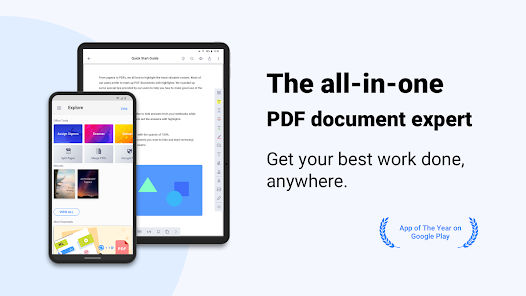
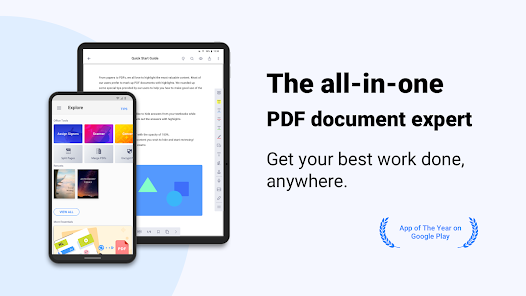
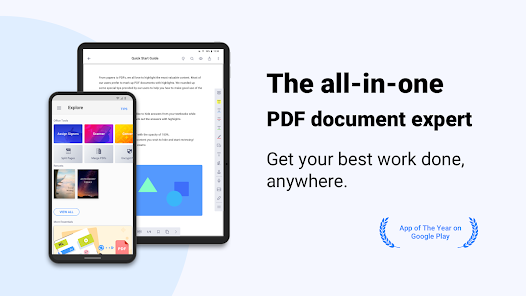
Covering all the essentials and more, PDF Reader(KDAN PDF) is the world's leading PDF editor. Its expert features allow you to view, annotate, scan, sign, and convert PDFs on smartphones, tablets, and PCs. Quickly back up and send files to friends, classmates, and colleagues via email or any popular Cloud storage service (share via Android).
AWARDS AND RECOGNITION
- Best PDF Reader Apps 2019 on TechRadar
- Best PDF Reader Apps 2017 on tom's guide
- Best Apps of 2016 on Google Play Store
***WITH KDAN PDF, YOU CAN***
CREATE & ACCESS FILES
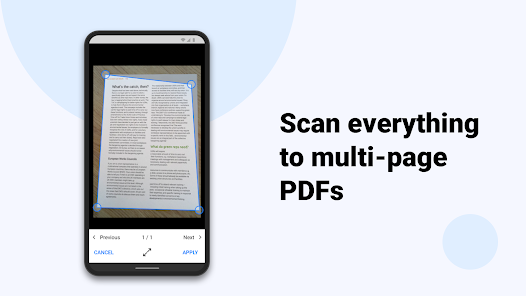
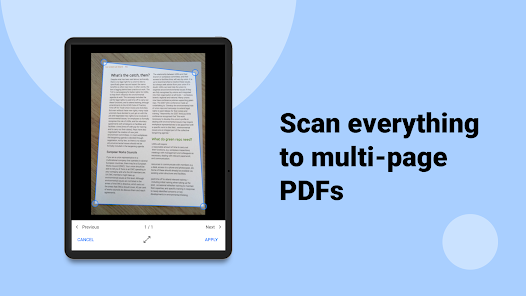
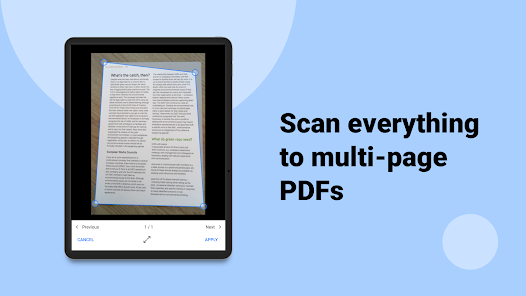
• Create and combine scans to multi-page PDFs
• Import files from your computer, cloud, or other apps
• Store files from the web or email attachments
• Access all files from the local folder."
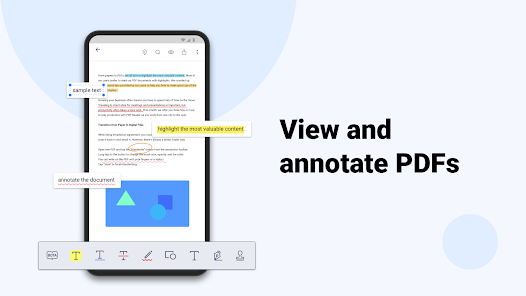
ANNOTATE & REVIEW PDF
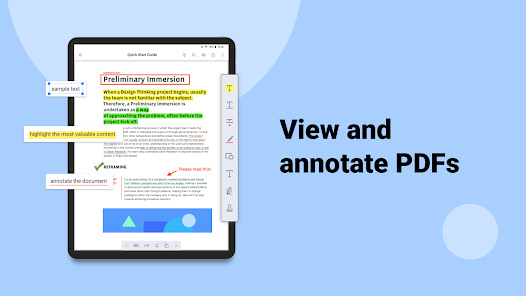
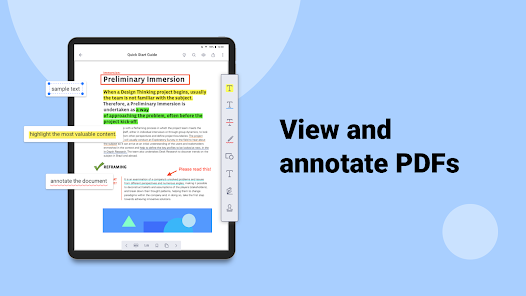
• Highlight, underline, and strikeout text
• Add predesigned stamps, including Approved, Sign Here, Confidential, and more
• Insert shapes and text boxes to PDFs
• Convert text into speech (available when in Text Reflow mode)"
SIGN ON THE SCREEN DIRECTLY
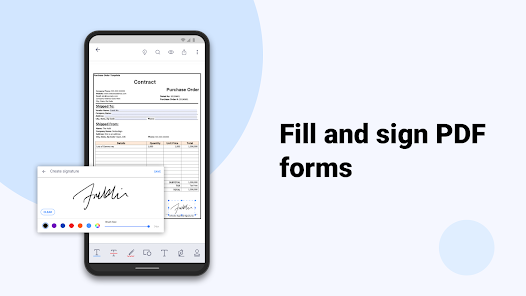
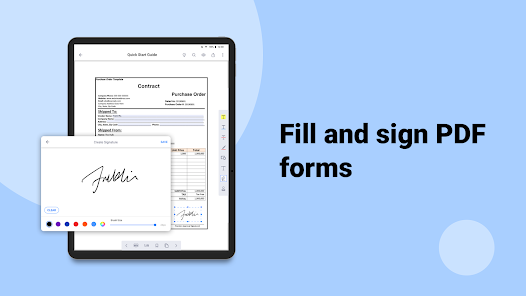
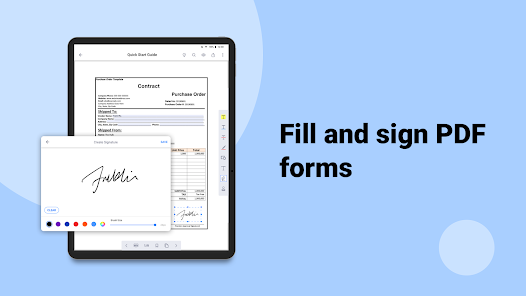
• Sign contracts and agreements with signatures
• Store and manage signatures from within the library."
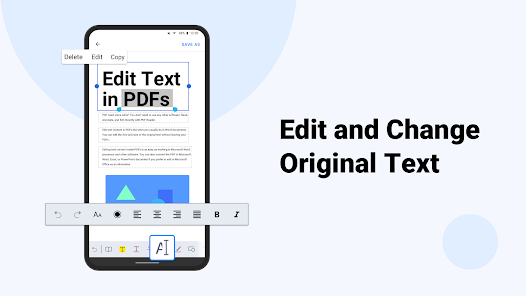
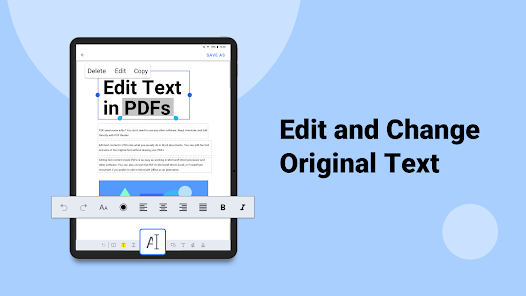
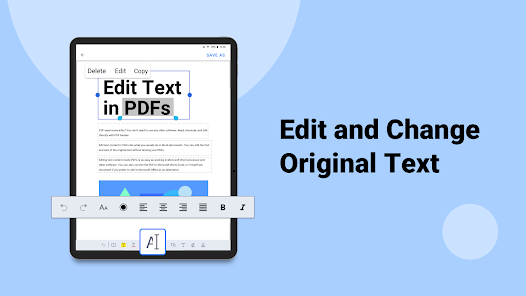
EDIT TEXT
• Easily correct and edit text and typos on PDF
• Instantly modify and update the latest texts on existing PDF document
VIEW FILES
• Support PDF, text, ePub, and image file formats
• Text Reflow
• Horizontal/Vertical scrolling mode
• Jump to Page/Text Search
• Bookmark/Outline/Thumbnail list"
MANAGE FILES
• Zip and unzip files
• Rename files and folders
WRITE ON PDFS
• Use your finger or a stylus to make handwritten notes
VIEW FILES
• Support PDF, text, ePub, and image file formats
• Text Reflow
• Horizontal/Vertical scrolling mode
• Jump to Page/Text Search
• Bookmark/Outline/Thumbnail list
MANAGE FILES
• Zip and unzip files
• Rename files and folders
***WITH DOCUMENT 365, YOU CAN***
• Unlock all features in KDAN PDF in all versions, including Android, iOS, Windows, and Mac.
• Work across smartphones, tablets, and desktops
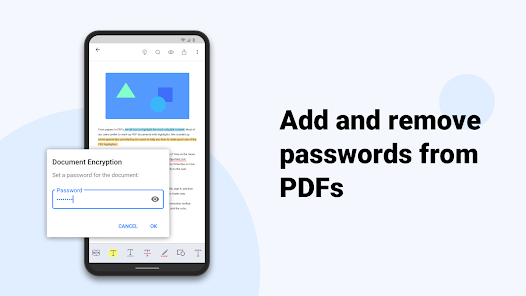
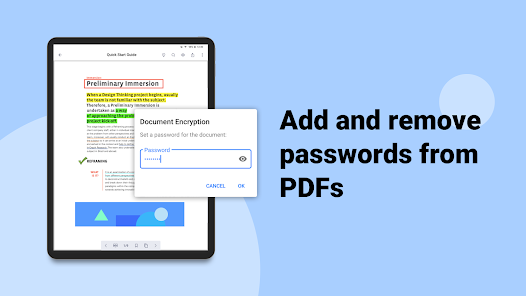
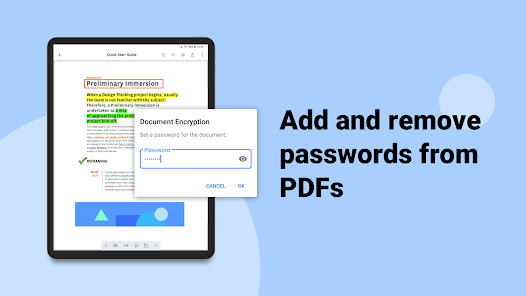
• Control the access to the app with a password
• Hide the margins of PDF pages
• Night viewing mode
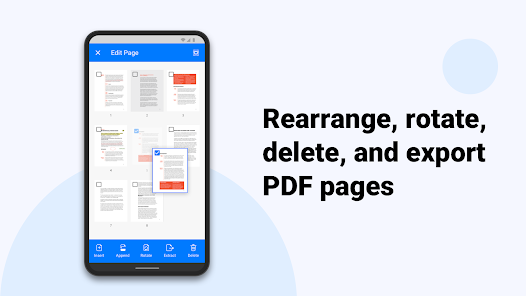
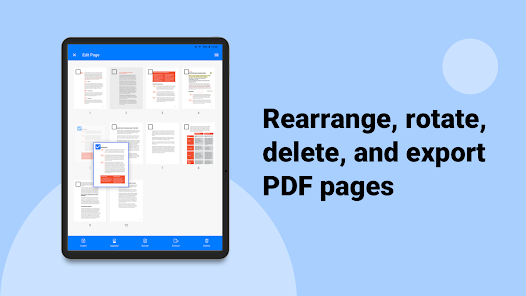
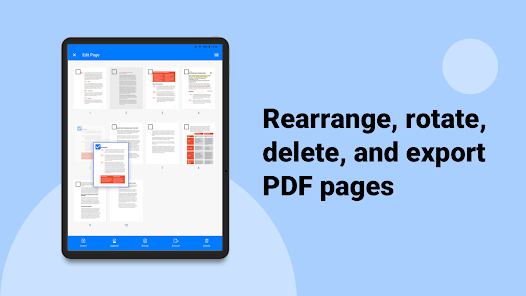
• Rotate, rearrange, add, and delete pages
• Extract pages from PDFs
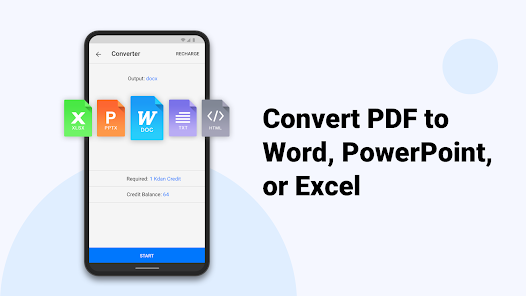
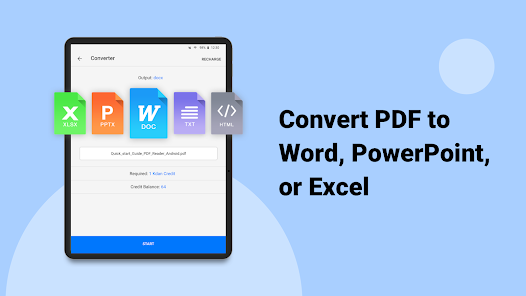
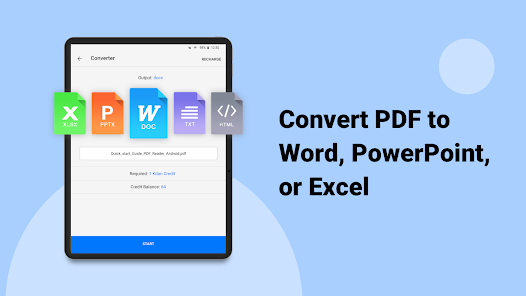
• Convert files to and from PDFs
• Send faxes from your devices
• 1 TB storage space on KDAN Cloud
• Get a link to share files with others
KDAN PDF supports 11 languages, including English, Traditional Chinese, Simplified Chinese, Japanese, Italian, German, Spanish, French, Portuguese, Russian and Korean
Terms of Service: https://pdf-reader.kdandoc.com/terms-of-service
Privacy Policies: https://pdf-reader.kdandoc.com/privacy-policy
CAN WE GIVE A HAND?
Check out the tutorial and FAQ at https//support.kdanmobile.com
You can always find us at [email protected] and https://www.facebook.com/pdfreader
AWARDS AND RECOGNITION
- Best PDF Reader Apps 2019 on TechRadar
- Best PDF Reader Apps 2017 on tom's guide
- Best Apps of 2016 on Google Play Store
***WITH KDAN PDF, YOU CAN***
CREATE & ACCESS FILES
• Create and combine scans to multi-page PDFs
• Import files from your computer, cloud, or other apps
• Store files from the web or email attachments
• Access all files from the local folder."
ANNOTATE & REVIEW PDF
• Highlight, underline, and strikeout text
• Add predesigned stamps, including Approved, Sign Here, Confidential, and more
• Insert shapes and text boxes to PDFs
• Convert text into speech (available when in Text Reflow mode)"
SIGN ON THE SCREEN DIRECTLY
• Sign contracts and agreements with signatures
• Store and manage signatures from within the library."
EDIT TEXT
• Easily correct and edit text and typos on PDF
• Instantly modify and update the latest texts on existing PDF document
VIEW FILES
• Support PDF, text, ePub, and image file formats
• Text Reflow
• Horizontal/Vertical scrolling mode
• Jump to Page/Text Search
• Bookmark/Outline/Thumbnail list"
MANAGE FILES
• Zip and unzip files
• Rename files and folders
WRITE ON PDFS
• Use your finger or a stylus to make handwritten notes
VIEW FILES
• Support PDF, text, ePub, and image file formats
• Text Reflow
• Horizontal/Vertical scrolling mode
• Jump to Page/Text Search
• Bookmark/Outline/Thumbnail list
MANAGE FILES
• Zip and unzip files
• Rename files and folders
***WITH DOCUMENT 365, YOU CAN***
• Unlock all features in KDAN PDF in all versions, including Android, iOS, Windows, and Mac.
• Work across smartphones, tablets, and desktops
• Control the access to the app with a password
• Hide the margins of PDF pages
• Night viewing mode
• Rotate, rearrange, add, and delete pages
• Extract pages from PDFs
• Convert files to and from PDFs
• Send faxes from your devices
• 1 TB storage space on KDAN Cloud
• Get a link to share files with others
KDAN PDF supports 11 languages, including English, Traditional Chinese, Simplified Chinese, Japanese, Italian, German, Spanish, French, Portuguese, Russian and Korean
Terms of Service: https://pdf-reader.kdandoc.com/terms-of-service
Privacy Policies: https://pdf-reader.kdandoc.com/privacy-policy
CAN WE GIVE A HAND?
Check out the tutorial and FAQ at https//support.kdanmobile.com
You can always find us at [email protected] and https://www.facebook.com/pdfreader
Updated on
Safety starts with understanding how developers collect and share your data. Data privacy and security practices may vary based on your use, region and age. The developer provided this information and may update it over time.

This app may share these data types with third parties
App info and performance and Device or other IDs

No data collected
Learn more about how developers declare collection

Data is encrypted in transit

You can request that data be deleted
Ratings and reviews
3,7
117K reviews

A Google user
- Flag inappropriate
- Show review history
31 December 2018
I downloaded this app to scan a very important document which was several pages in length. I was able to take pictures of each page using the app, but when it took me to the cropping screen, the app would close out of the screen and delete all of my progress about halfway through cropping. This happened at least four times. However, I was able to make it through the process one of the first times I tried and generated a PDF of decent quality (though its file size was too large for what I needed)
583 people found this review helpful
Kdan Mobile Software Ltd.
04 January 2019
Hello. Thanks for the feedback. We'll inform the PDF team of your message. If you still have questions, please feel free to let us know. Thanks! :)

Tshiu Moses
- Flag inappropriate
14 January 2026
I do everything with no doubt zoom is good I can even print it out a quality copies
28 people found this review helpful
Kdan Mobile Software Ltd.
21 January 2026
Hello there, Thanks for your positive feedback! We'd love to hear more about your experience and work together to make our product even better. Feel free to share your thoughts with us at [email protected]. Can't wait to hear from you!

Anna Aai
- Flag inappropriate
10 March 2026
This is very important but sometimes it's risky for old-age people... we have to be alert for remembering all procedures 🤯 !
3 people found this review helpful
What's new
New Name & Logo
Say hello to KDAN PDF—formerly known as PDF Reader on Google Play! Along with a fresh new logo, KDAN PDF keeps everything you love: a simple yet powerful PDF editor on your Android device. View, annotate, scan, sign, convert, and seamlessly back up or share files via email or your favorite cloud services.
Security Upgrade
For better protection, accounts inactive for 180 days will now require a password reset.
App support
About the developer


